✨ Now on the App Store

Teach kids that money is earned, not given.

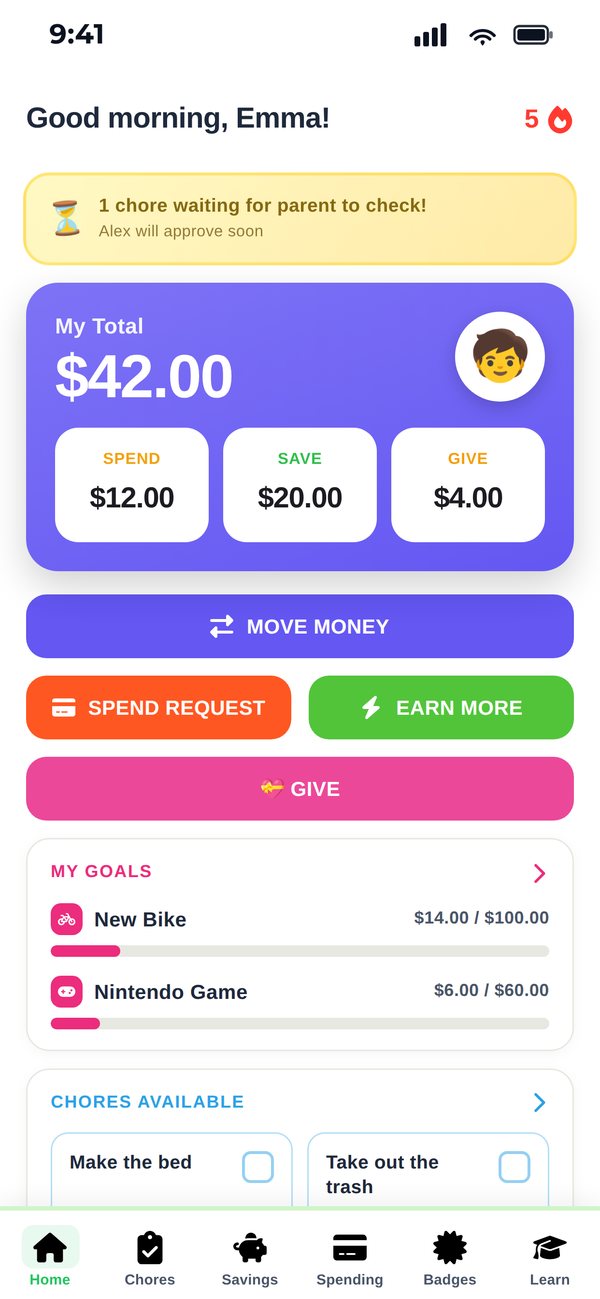
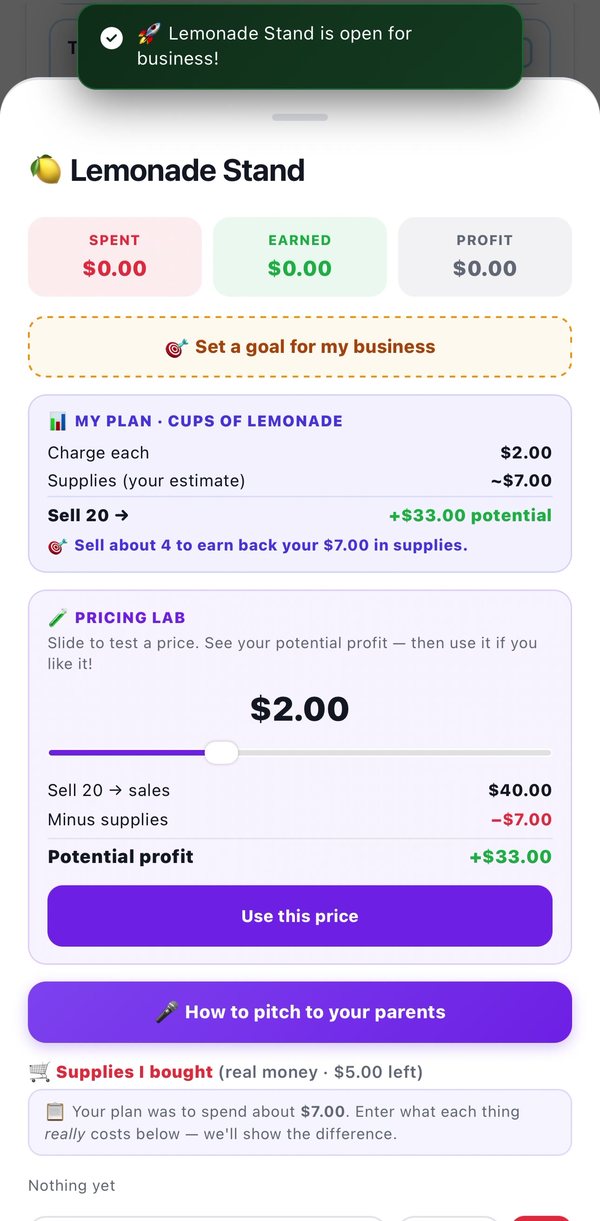
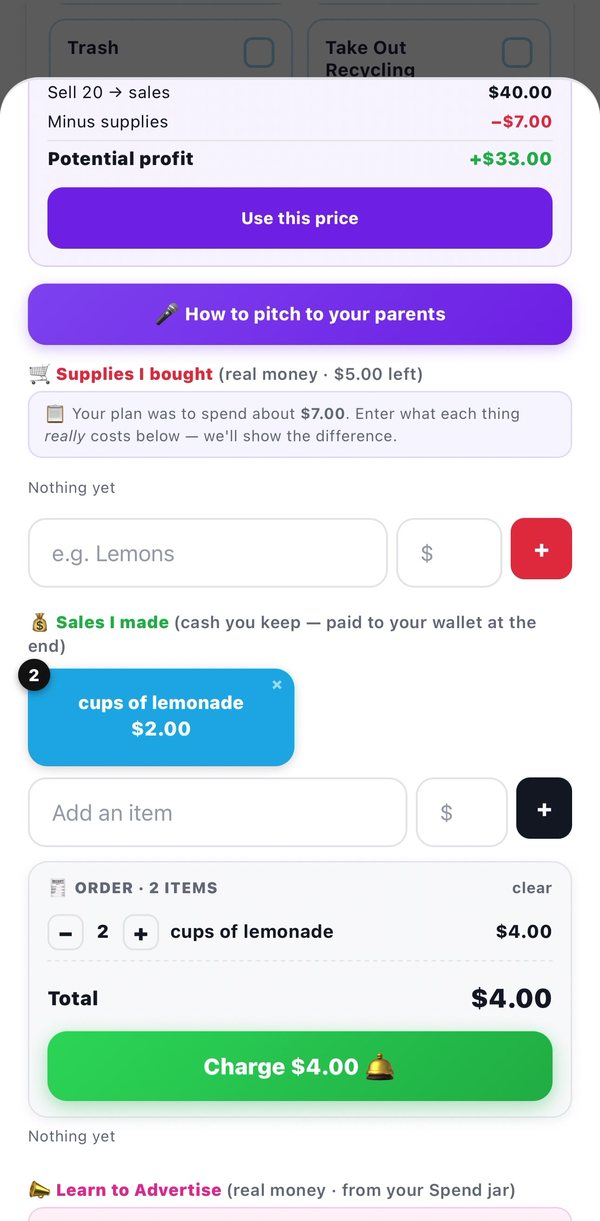
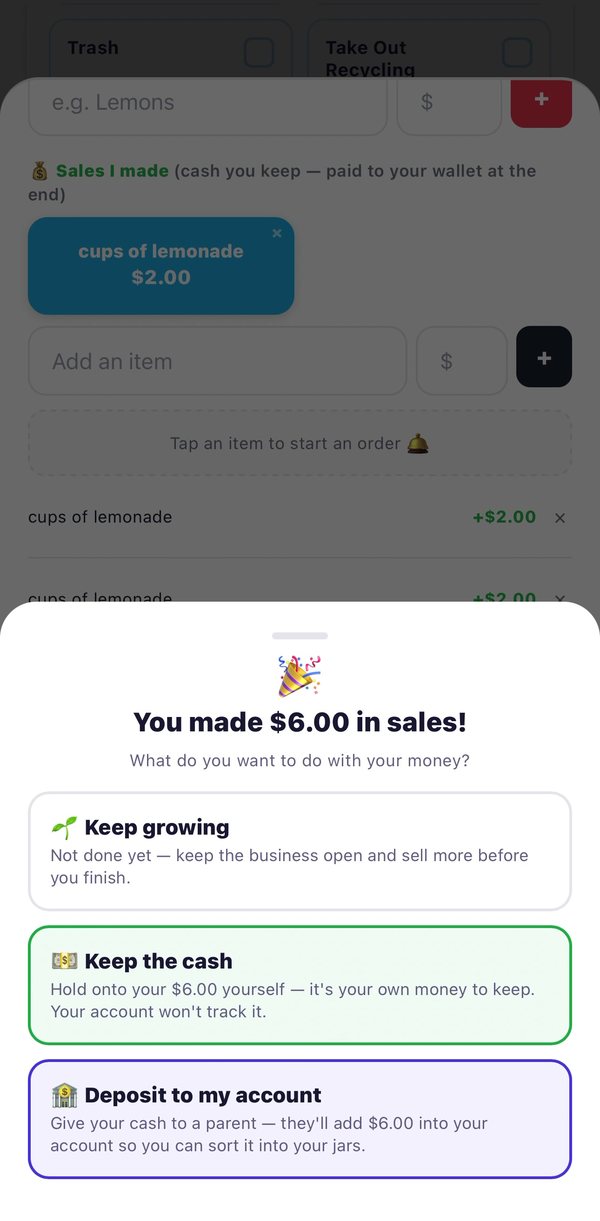
CubWallet is a family finance app that turns chores into income, grades into rewards, and spending into a learning moment — all without touching real money.

Free 7-day trial · $12.99/year · No ads, ever
Overview
👩
MY MONEY
$42.50
🏦
$17
🛍️
$13
📈
$9
💝
$4
Today's Chores
Make your bed
+$1.00
Take out trash
+$0.75
Do the dishes
+$1.50
📊
Overview
Chores
👶
Kids
⚙️
Settings
🏅
Alex earned
Chore Champ!
🔥
5-day streak
Keep it up!
🔒 COPPA Compliant
🚫 Zero Ads
💳 No Real Money Handled
☁️ Syncs Across Devices
👨‍👩‍👧 Works for Any Family
Simple by design
Set up in minutes, builds habits for life
Three steps and your family is up and running. No bank account needed.
1
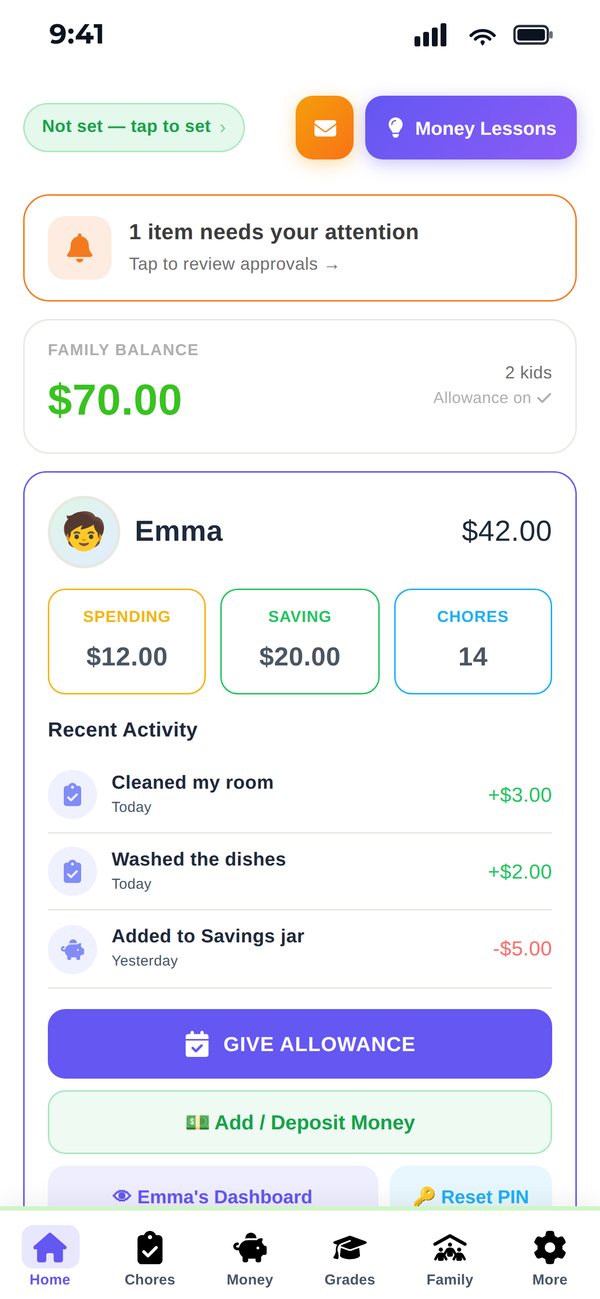
Parent sets up chores & rewards
Add chores with money amounts or perks like screen time. Configure grade rewards. It takes less than 5 minutes.
2
Kids complete chores & submit
Each child logs in with their own private PIN. They mark chores done and watch their balance grow in real time.
3
Parent approves, kids get paid
You review and approve. Balances update automatically. When they want to spend, you hand over real cash — you're the bank.
📒
CubWallet is a ledger app — not a bank
No real money moves inside CubWallet. It's a digital chore chart and passbook combined. Balances are educational records of what kids have earned. When it's time to pay out, you handle it in real life — cash, bank transfer, or however your family prefers. CubWallet keeps the score.
Everything you need
Built for real families
Every feature designed around how families actually work — not how apps think they work.
Chore Management
Set chores with dollar rewards or perk rewards like screen time. Assign to specific kids. You approve before anything is credited — keeping you in full control.
📚
Grade Rewards
Configure rewards for A's, B's, and C's. When your kid submits a grade, you review and approve. Great grades have never been more motivating.
💰
4 Money Buckets
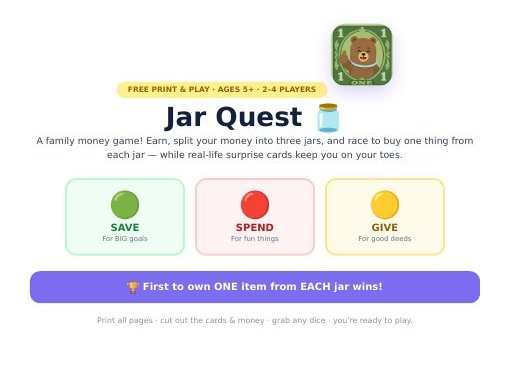
Every dollar splits across Save, Spend, Invest, and Give. You set the percentages. Kids learn that money has purpose — automatically, every time they earn.
🎯
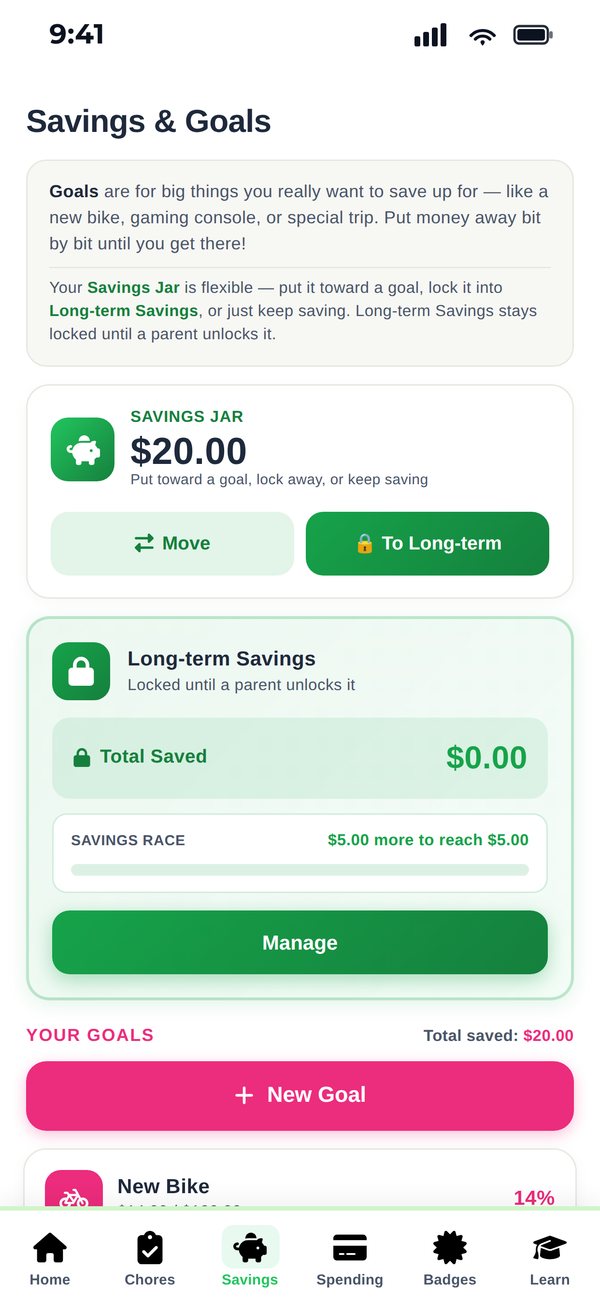
Savings Goals & Wish List
Kids add items they want. CubWallet shows exactly how many chores it takes to afford them. Goals feel achievable. Saving feels worth it.
⏱️
Perk Timers
When a kid earns screen time, start a live countdown timer visible to both of you. No more arguments about when time is up.
🌟
Family Goals
Set a shared family savings goal — a vacation, a big purchase — and let kids contribute from their Give buckets. Everyone works together.
🏅
Badges, XP & Streaks
Kids earn badges for milestones, level up with XP, and build chore streaks. The same motivators that make games addictive, applied to real life habits.
☁️
Syncs Across Devices
Parent's phone, kids' tablets, shared family device — all stay in sync automatically. Everyone sees the same live balances.
Simple pricing
One price. Whole family.
No per-kid fees. No premium tiers. No ads. Just one flat price for your entire family.
🐻 CubWallet Premium
$12.99
per year · billed annually
✨ Start with a 7-day free trial
Unlimited kids & chores
Grade rewards & approval flow
Cloud sync across all devices
Badges, XP, streaks & goals
Perk timers & screen time management
Family savings goals
Kid-customizable themes
No ads, ever
Cancel anytime in iPhone Settings. No commitments. Payment via Apple In-App Purchase.

Ready to start? 🐻

Download CubWallet free and try it with your family for 7 days. No credit card required.

← Back to CubWallet
🔒 Privacy Policy
Effective April 2026 · Version 1.0
← Back to CubWallet
📋 Terms of Service
Effective April 2026 · Version 1.0
← Back to CubWallet
💬 Support
We typically respond within 1–2 business days
✉️
Email Support
Send us a message and we'll get back to you within 1–2 business days. For urgent issues, mention it in the subject line.
📧
Direct Email
Prefer to email directly? Reach us at support@cubwallet.app anytime. We read every message.
FAQ
Answers to the most common questions about setting up CubWallet, subscriptions, and how the app works.
🔒
Privacy & Data
Questions about what data CubWallet collects, how to delete your data, or COPPA compliance. View our full Privacy Policy.
Frequently Asked Questions
Does CubWallet handle real money?
No. CubWallet is a ledger app — it tracks educational balances only. No real money moves through the app. When your child wants to spend their balance, you hand them cash or make a bank transfer yourself. You're the bank. CubWallet keeps the score.
How do kids log in?
Each child gets a private 4-digit PIN set by the parent. They tap their name on the login screen and enter their PIN. Siblings can't access each other's dashboards. Children never create their own accounts or provide any personal information.
Can multiple family members use it on different devices?
Yes! When you sign in with your account, CubWallet syncs your family data to the cloud so everyone sees the same live balances. You can use it on your phone, your partner's phone, a tablet, or any iOS device. Just sign in with the same account.
How do I cancel my subscription?
Go to iPhone Settings → tap your name at the top → Subscriptions → CubWallet → Cancel Subscription. You can cancel at any time. Your access continues until the end of the current billing period. No refunds for partial periods.
Is CubWallet safe for kids? COPPA compliant?
Yes. CubWallet is fully COPPA-compliant. Children never create accounts, never provide personal information, and never interact with external services. All child data is entered by the parent. We collect no advertising data, run no ads, and never sell data. Children's exact birthdays are never uploaded to the cloud — only their computed age.
What's the difference between young kid and teen mode?
CubWallet automatically shows a bright, playful dashboard for kids 10 and under, and a sleek dark design for teens 11 and over. Each child can also pick their own color theme — 8 bright options for younger kids, 8 darker options for teens.
How do I delete my account and all data?
To delete local data: Settings → Data & Storage → Clear All Data & Start Over. To delete all cloud data: email support@cubwallet.app with the subject "Delete My Account" — we'll delete everything within 30 days as required by law.
What happens to my data if I stop subscribing?
Your data is still accessible locally on your device. Cloud sync is paused but your family's history stays on your phone. If you resubscribe, everything picks up where it left off. We don't delete your data just because your subscription lapses.
Send us a message
Fill out the form below and we'll get back to you within 1–2 business days. Or email us directly at support@cubwallet.app
We respond to every message. Usually within 1 business day.
Message sent!
We'll get back to you within 1–2 business days.